Smart mode and the Creative Director
Let Auto pick the model; let the Creative Director polish your brief.
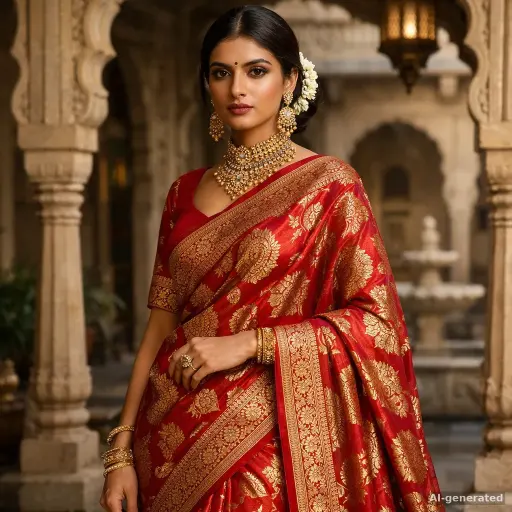
Auto mode reads your prompt, works out whether you want an image, a video or audio, and routes it to the cheapest model that meets your quality bar. Switch Standard ↔ Premium to trade cost for quality — the estimate updates live.
Smart (Creative Director) goes one step further: it rewrites a thin brief into a full creative direction — composition, lighting, brand colours from your Brand Kit, and the text on the image — then runs it. Turn it on from the sparkle toggle in the prompt bar; your workspace can make it the default in Settings → Brand.
Rate results with 👍/👎. Those ratings quietly tune which model Auto picks for your kind of work.
Try it
Sign in to save your progress and collect the bonus credits. Sign in · 50 credits